 Kerylos Labs
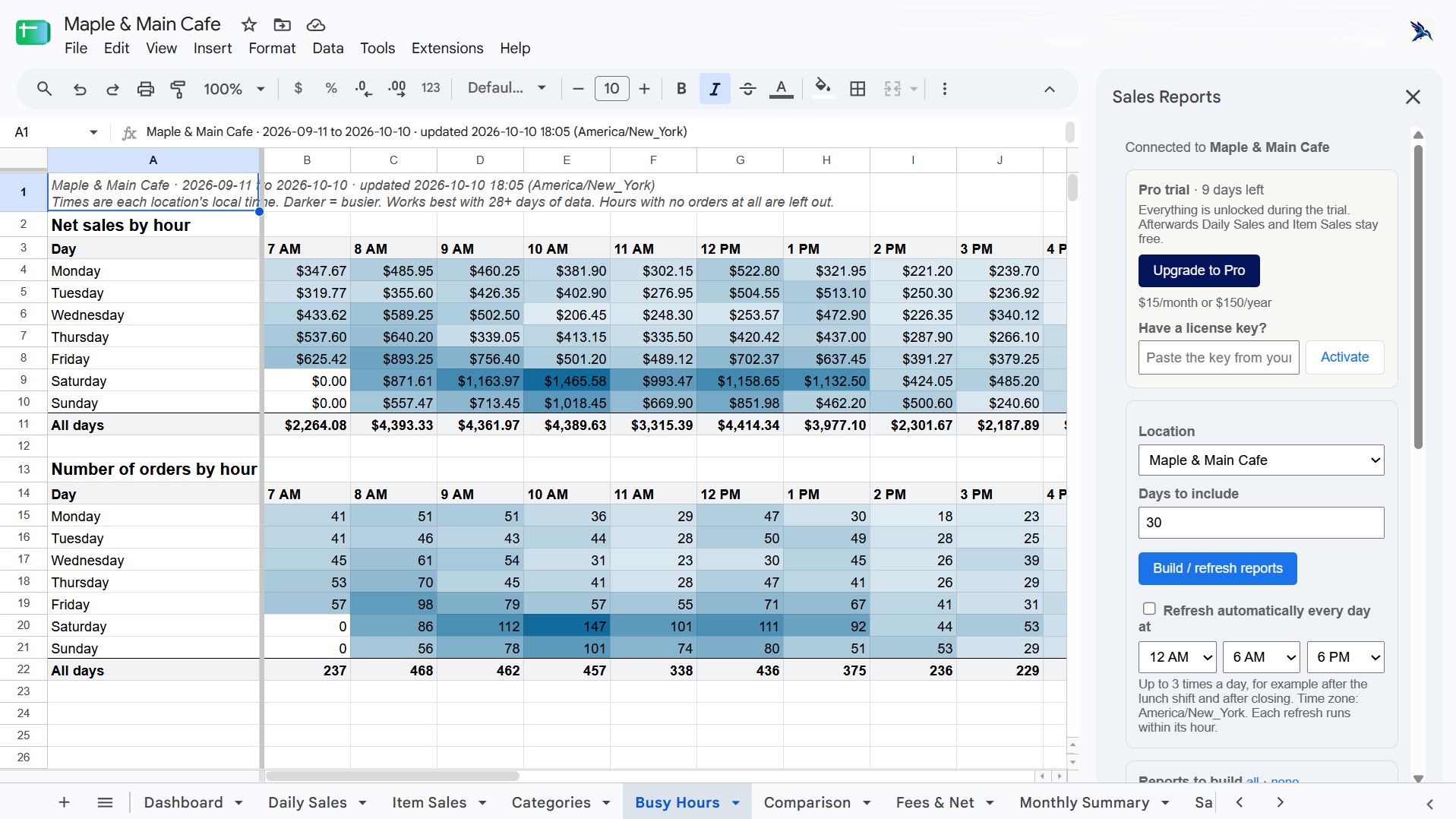
When do we need more staff on?
A heatmap of sales and orders by weekday and hour, for staffing and opening hours.
Sales Reports for Sheets™
Sales Reports for Sheets builds your daily sales, best sellers, busiest hours and card fees in Google Sheets™, straight from your Square account. Set it up once. With Pro, it refreshes itself after the lunch rush and after closing.
Free plan · 14-day Pro trial, no card needed · read-only access to Square
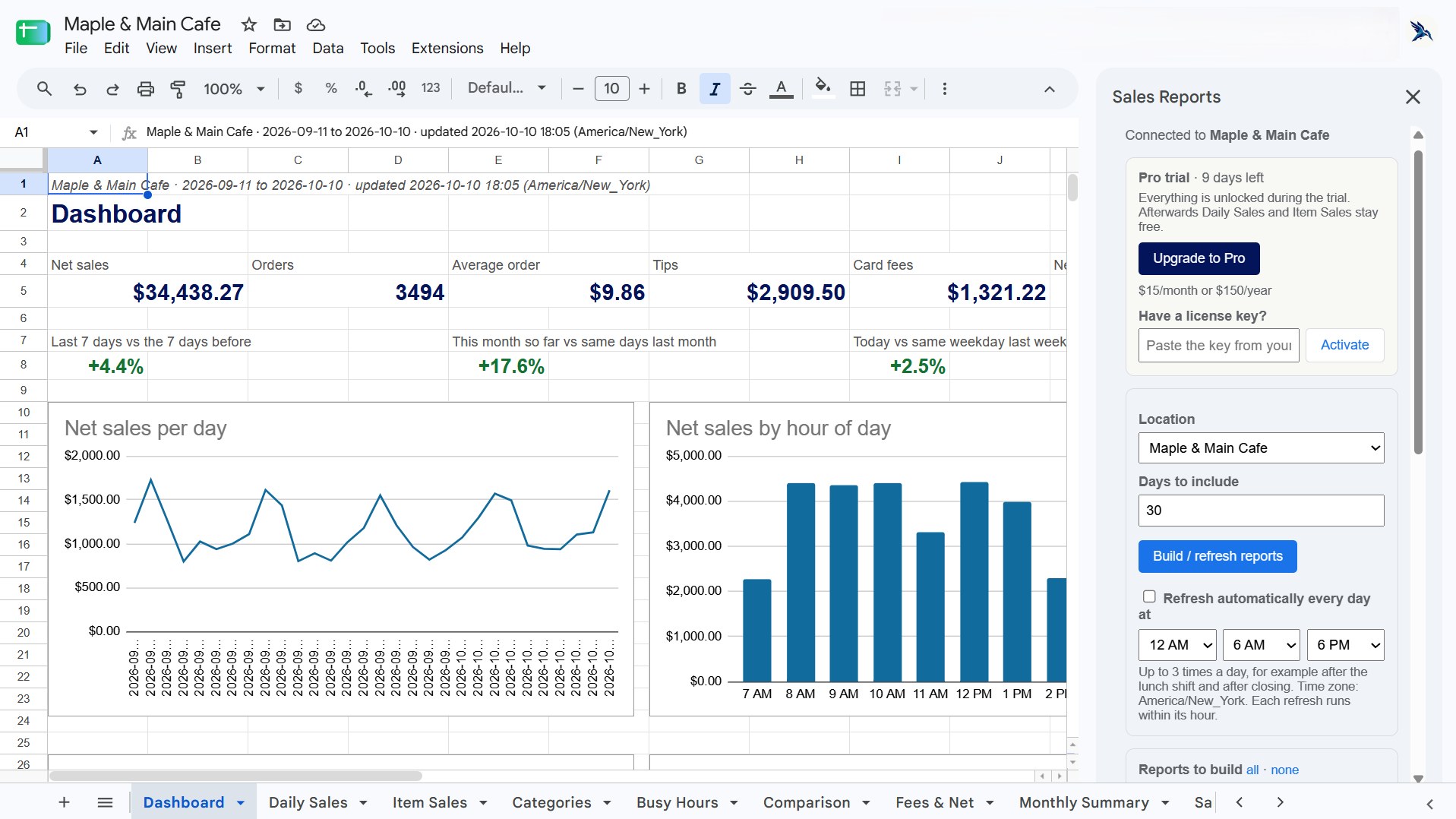
Sales Reports for Sheets does that work for you, in a spreadsheet you already know how to use.
Every report is a normal tab in your spreadsheet. Share it, print it, or build on it.
A heatmap of sales and orders by weekday and hour, for staffing and opening hours.
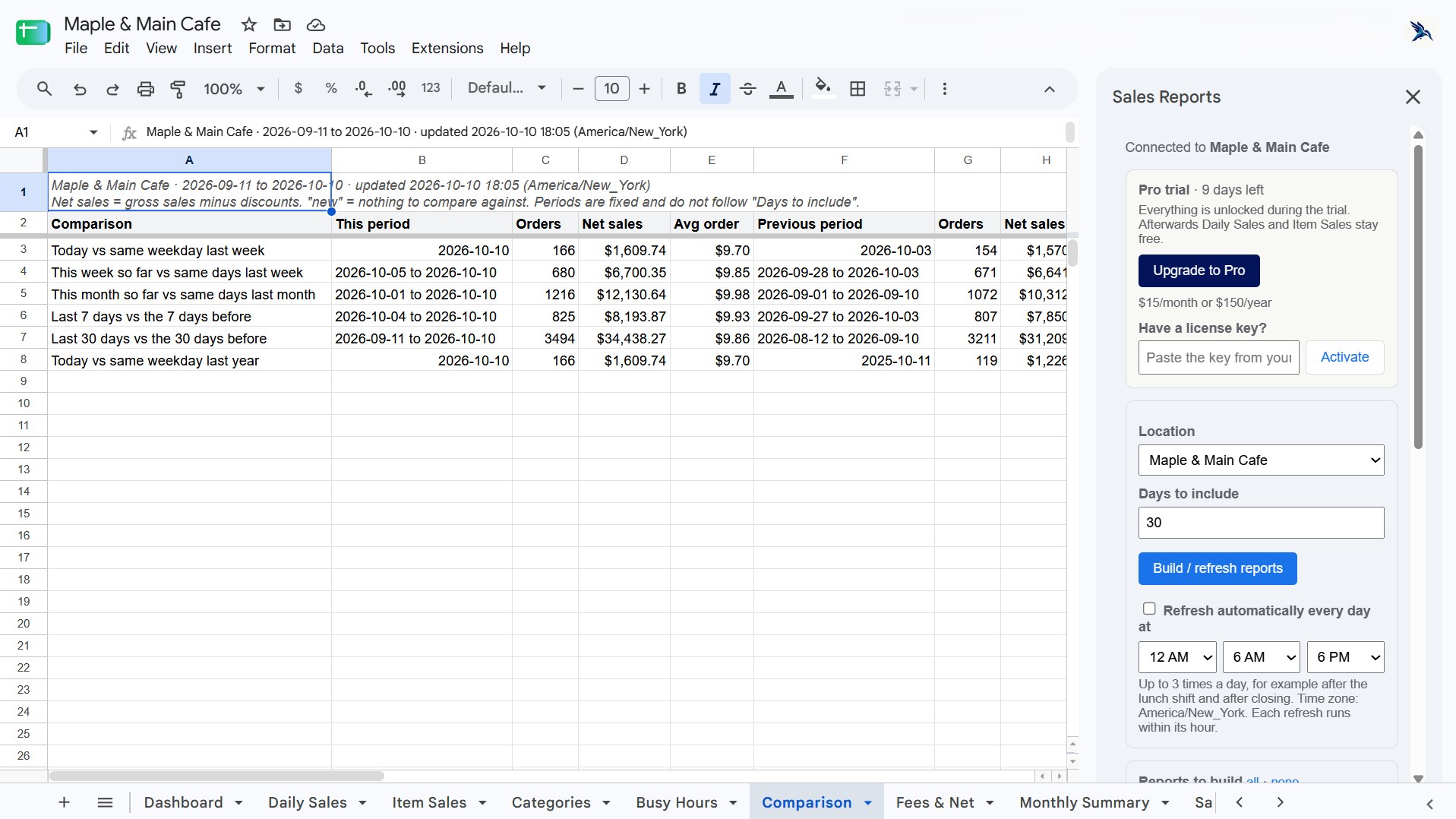
Today, this week, this month and the last 30 days, each compared with the period before, and today with the same weekday last year.
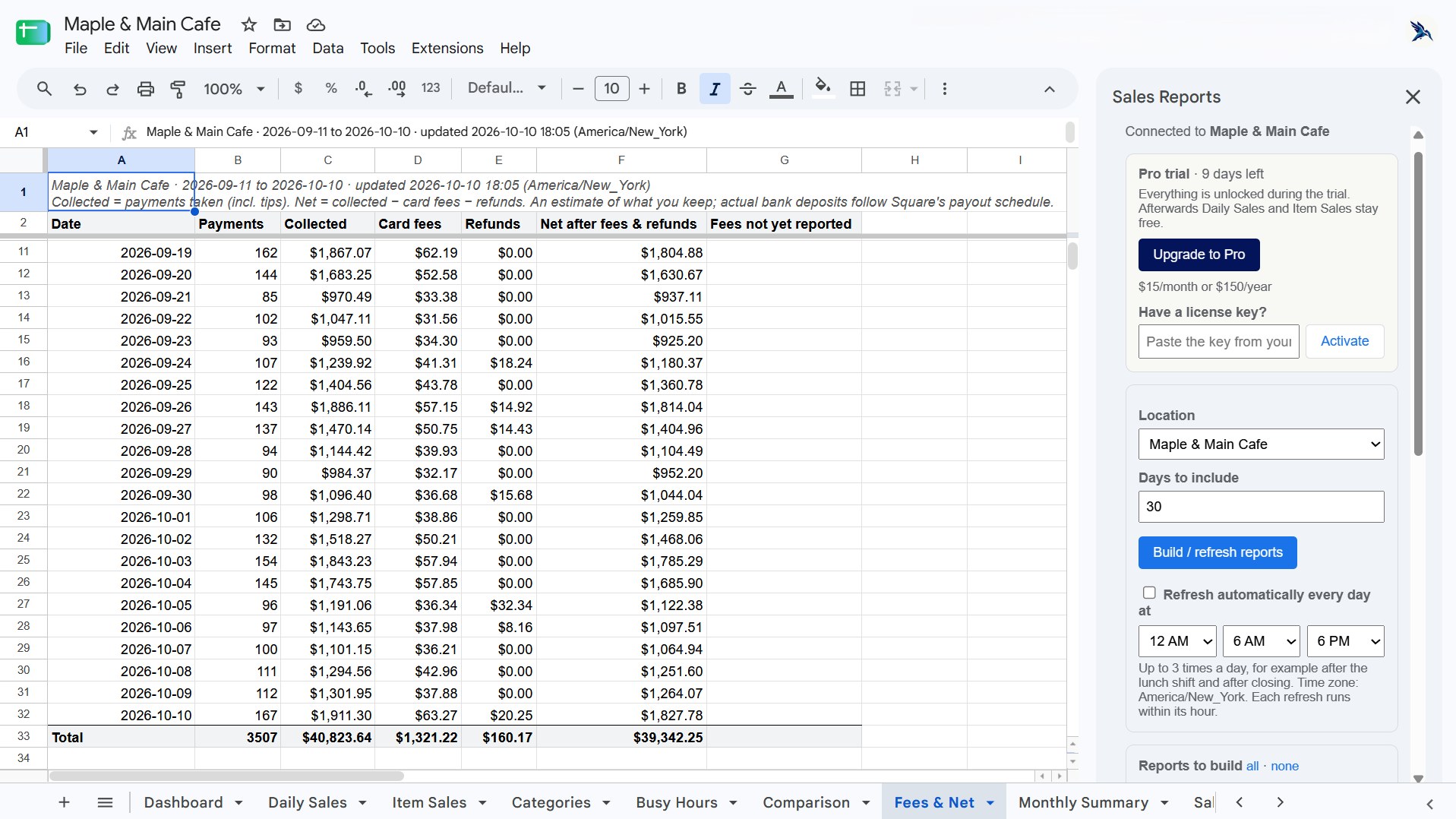
What you collected, what card fees cost and what refunds took back, per day.
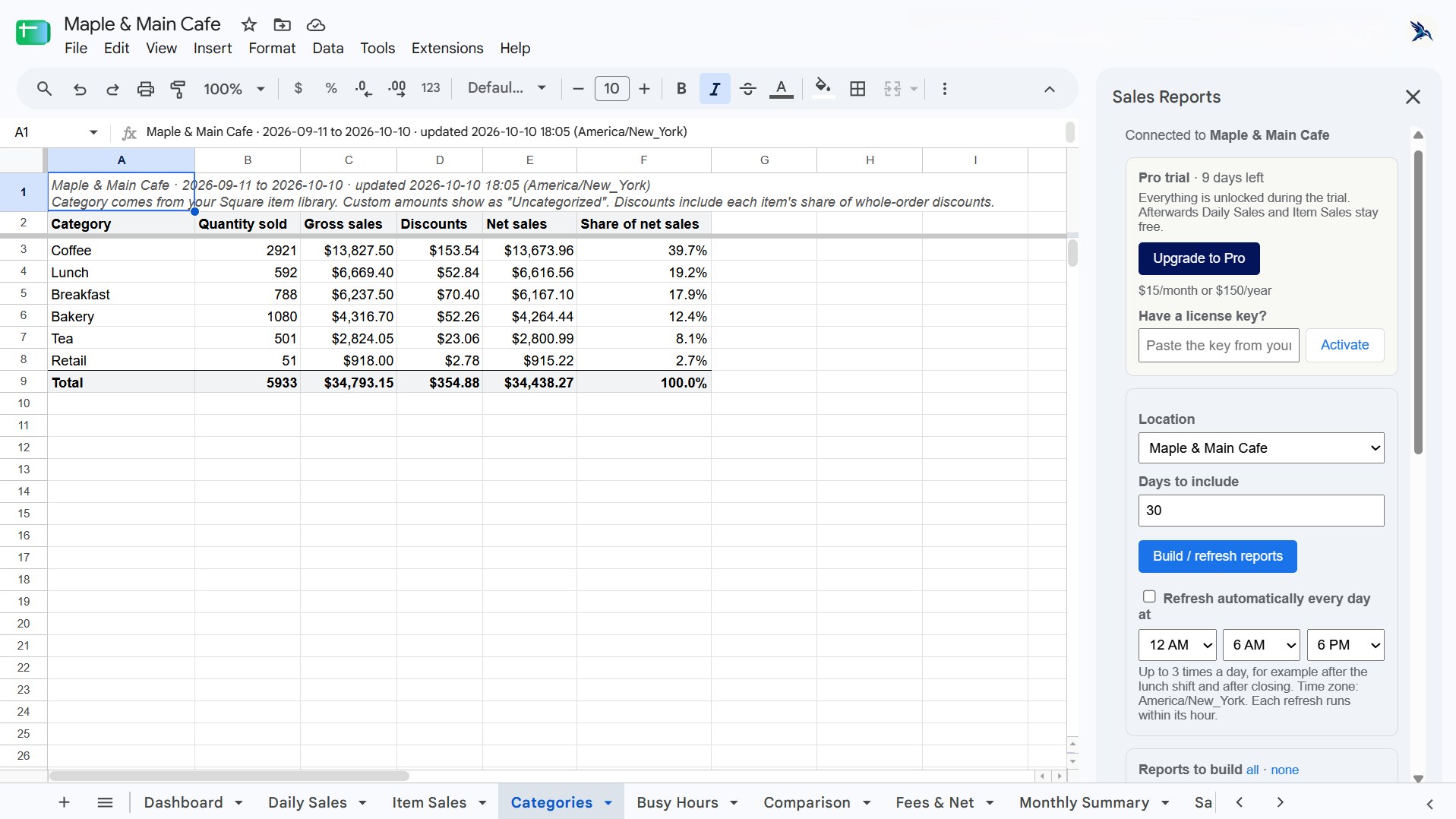
Item and category sales from your Square item library, best sellers first.
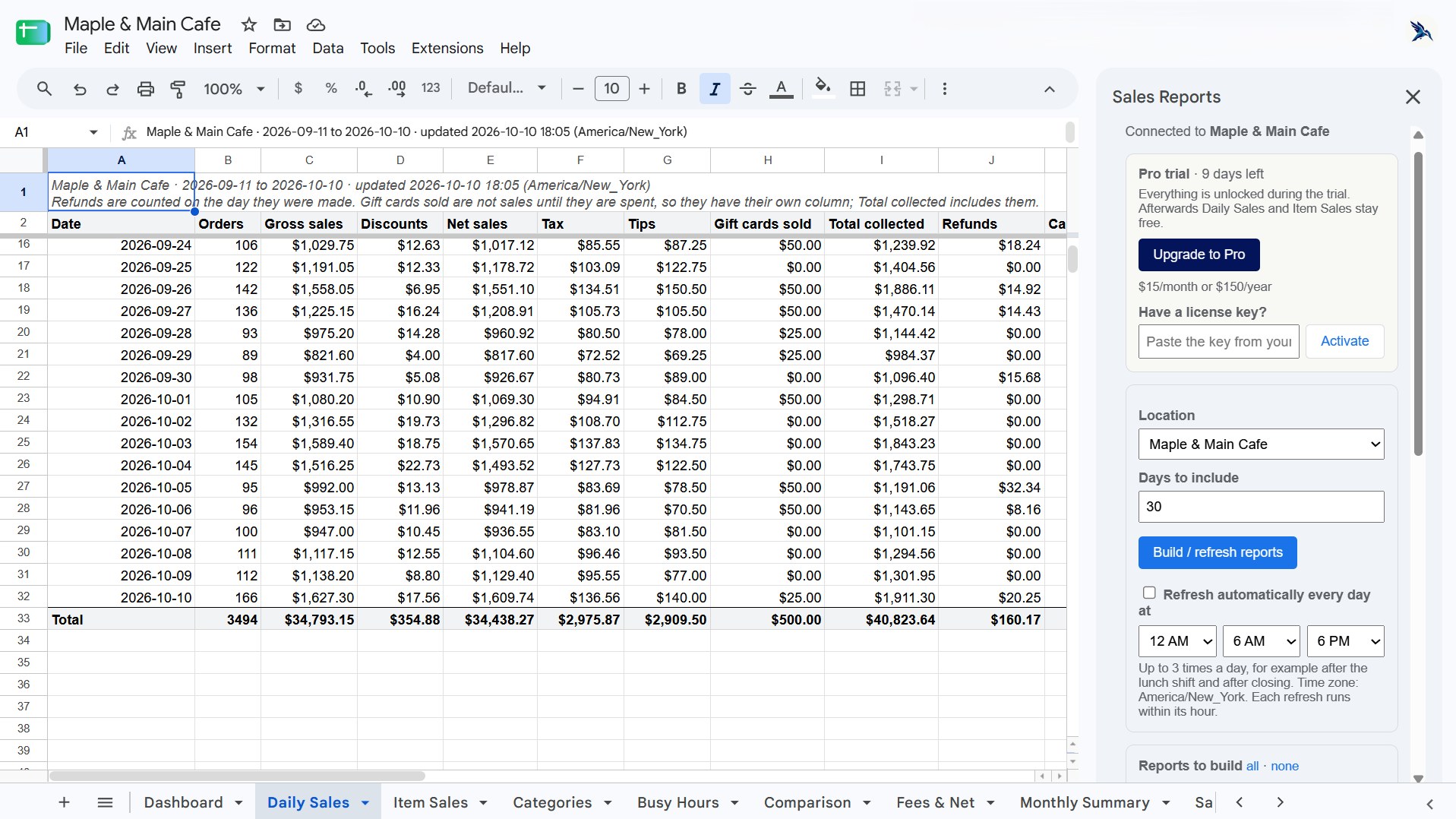
Orders, gross and net sales, discounts, tax, tips, refunds and card versus cash, day by day.
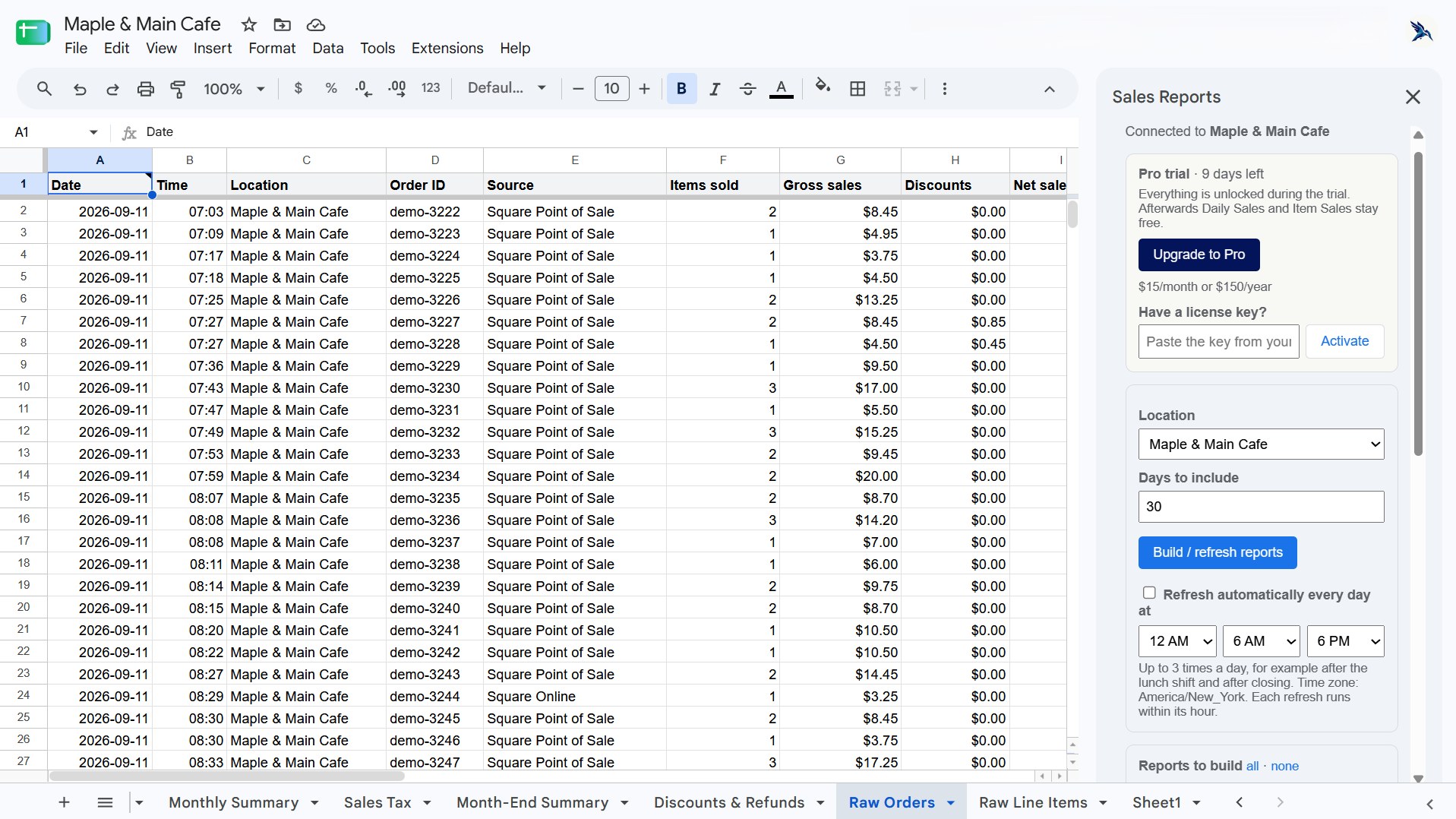
Every order and every item sold as a plain table, ready for your own pivot tables, charts and formulas.
Also included, 14 reports in all: a month-end summary and sales tax by location and rate for your bookkeeper, a monthly summary with tax and tips, discounts and refunds, and a location comparison. Screenshots show sample data from a made-up café.
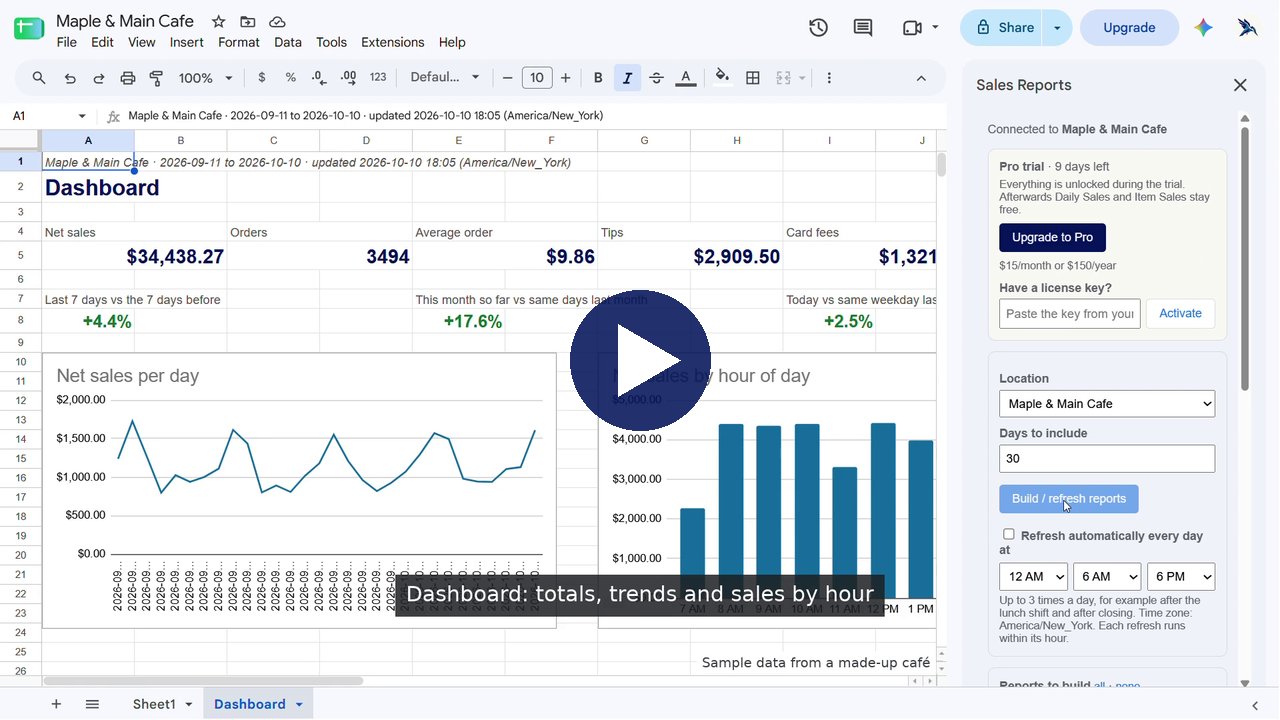
A 1½-minute tour with sample data from a made-up café. The video plays from YouTube.
Cafés, bakeries, small restaurants, shops and salons that sell through Square in the US, Canada, the UK, Ireland or Australia, with one location or several.
Not the right fit (yet) if you need staff or labor reports, or if you sell on Shopify.
Add Sales Reports for Sheets from the Google Workspace Marketplace and open it from the Extensions menu.
Approve read-only access in Square. The add-on can look at your sales, never change anything.
Pick your location and period and click Build. With Pro, the reports refresh themselves up to three times a day.
Every new user gets 14 days of Pro free, with no card needed. When the trial ends, the free plan keeps working. There’s nothing to cancel.
$0
$15/month
or $150/year: save $30 (two months free)
Prices in US dollars; sales tax or VAT may apply. Cancel any time. Payments are handled by Lemon Squeezy. See the Terms for renewals and refunds.
The details are in our Privacy Policy.
No. The reports are built and formatted for you. Open a tab and read it. Raw Orders is there if you ever want to build your own.
You move to the free plan automatically. You’re never charged unless you buy Pro.
A Square account and a Google account. The add-on works in Google Sheets in your browser. It works with Square accounts in the US, Canada, the UK, Ireland and Australia, and shows amounts in your Square account's currency.
Click Build any time for the latest numbers. With Pro you can also pick up to three times a day for an automatic refresh. Square sometimes reports card fees a little later; the next refresh picks them up.
Yes. Choose one location, or with Pro, all locations together, plus a tab comparing them side by side.
Yes. Report tabs are cleared and rewritten, never deleted, so formulas in your own tabs that point at them keep working. Your own tabs are never touched. For your own tables and pivots, use the raw-data tabs.
A refresh of about 3,000 orders takes around a minute. Google limits each run to six minutes, which comfortably covers a busy café for 30 to 90 days. If a refresh would take too long, it stops without changing anything and suggests fewer days.
They come straight from Square, but Square's own reports count a few things differently, such as refunds in net sales, gift cards sold and late-night sales. See why the numbers can differ and how to compare them. The reports are for information, not accounting or tax advice.
Any time, in a few clicks: use the “Manage or cancel your subscription” link in the add-on’s sidebar, the Manage subscription link in your receipt email, or go to keryloslabs.lemonsqueezy.com/billing and sign in with your email. You can also switch between monthly and yearly there. Pro keeps working until the end of the period you've paid for, then the free plan continues.
That message comes from Google and usually appears when you're signed in to several Google accounts in the same browser. Google then runs add-ons as your first (default) account, which may not have access to the spreadsheet. Open the spreadsheet in a browser window or Chrome profile signed in only with the account that owns it, and the add-on works normally.
Not yet. If you sell online with Shopify too, email support@keryloslabs.com with "Shopify" in the subject and we'll let you know when combined reports are ready.
Install the add-on · Already bought Pro? How to activate your license · Other questions: support@keryloslabs.com. We reply within 2 business days, usually sooner.
Free to install. Pro trial needs no card.
Doing it by hand today? Read How to export Square sales to Google Sheets.